• 1 Post
  • 4 Comments
Joined 10 个月前
cake
Cake day: 2025年3月7日

help-circle
  • Other than what others have suggested:

    • Do get an etch resist pen. The toner occasionally, even when it goes well, might not transfer on some spots of the copper plate. So you’ll need the etch resist marker to color in breaks in paths etc. and fix these little issues.
    • The acid or whatever you use to etch away the copper might not work on some spots. Leading to shorts or otherwise unwanted connections. So do check with a multimeter the paths and pads that are close to make sure there arent shorts. You can scratch away unwanted copper with a blade.

    I dont think theres much more to add, its quite a simple process. Have fun :)


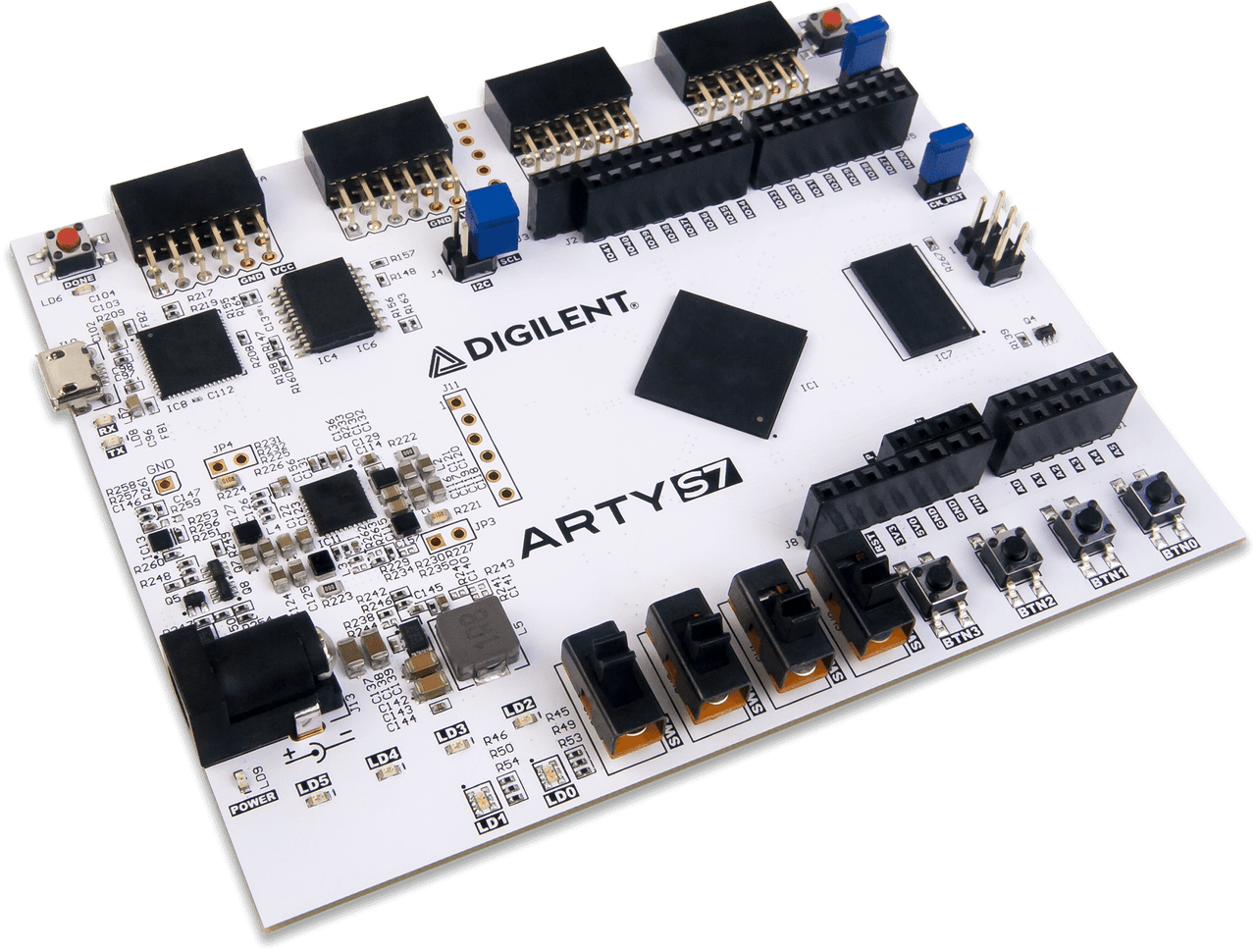
  • Hi Im also a student but with a very a small budget. I figured I’d share some of the very cheap chinese boards Ive found. Cheap means some disadvantages ofcourse. Purchased one of these recently.

    1. The first are boards with Altera’s Cyclone IV on them. Boards with the EP4CE6 (6K LEs) and EP4CE10 (10K LEs) can be found on AliExpress.

    Cyclone IV is supported by Quartus Lite so dev tools will be free. For the fpga itself Intel has documentation but for the peripherals on the board (if its a more fully-featured board) you either rely on the seller sending you pin numbers or finding it online documented by others.

    I got one with EP4CE6 (no VGA jack or other bells and whistles, just some LEDs and buttons) for what comes out as 10 euros or so. There are others that resemble proper dev boards (with connectors and stuff like 7-segment displays) costing something like 25 euros.

    1. There are also Sipeed Tang FPGA boards. They use Gowin FPGAs and Gowin’s IDE is free. The Tang Nano 9k has been shown to run the PicoRV32 RISC-V core. It costs 15 euro on Aliexpress. The downside is that Gowin tools ofcourse wont be as good as Intel’s Quartus.

    Also interesting to note that the Tang Nano 4K has a Cortex M3 on it so I think it counts as an Fpga-Soc? I think its fun and might get one some time.


  • Here’s a script I use a lot that creates a temporary directory, cds you into it, then cleans up after you exit. Ctrl-D to exit, and it takes you back to the directory you were in before.

    Similar to what another user shared replying to this comment but mine is in bash + does these extra stuff.

    #!/bin/bash
    
    function make_temp_dir {
        # create a temporary directory and cd into it.
        TMP_CURR="$PWD";
        TMP_TMPDIR="$(mktemp -d)";
        cd "$TMP_TMPDIR";
    }
    
    function del_temp_dir {
        # delete the temporary directory once done using it.
        cd "$TMP_CURR";
        rm -r "$TMP_TMPDIR";
    }
    
    function temp {
        # create an empty temp directory and cd into it. Ctr-D to exit, which will
        # delete the temp directory
        make_temp_dir;
        bash -i;
        del_temp_dir;
    }
    
    temp